Integration

The GitHub CoPilot icon

SalesViewer

Track and identify GitBook page visitors with Salesviewer analytics.
GitHub Copilot dialog with a question about how the GitBook API can be used in Node.js

Overview

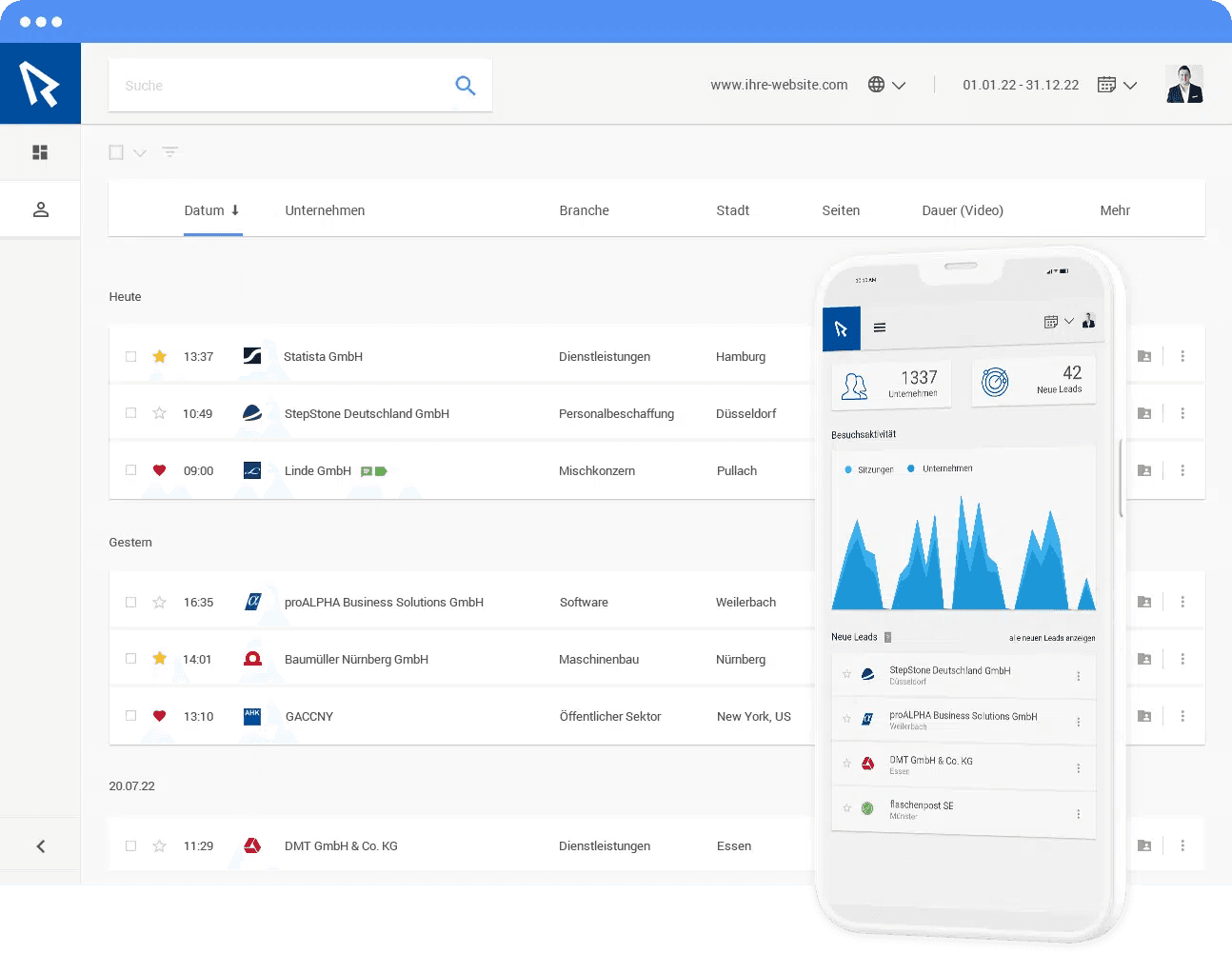
SalesViewer® is a powerful analytics and visitor identification platform that helps you understand who visits your pages and track their behavior.

How it works

The GitBook SalesViewer® integration allows you to track traffic in your published sites from your SalesViewer® dashboard.

Each of your connected GitBook sites will fetch the SalesViewer® tracking script and inject it into your public content, enabling visitor tracking and identification.

Configure

Install the integration on the GitBook site of your choice. Locate the Account ID you want to use, which is available in the SalesViewer® dashboard under “Profile > Project & Tracking code.”


“We can use our documentation for prospects, not just customers. Finding a certain page in Google is just way easier with GitBook.”

Roman Musatkin

,

Head of Product & Design

Swarmia

“We can use our documentation for prospects, not just customers. Finding a certain page in Google is just way easier with GitBook.”

Roman Musatkin

,

Head of Product & Design

Swarmia

“We can use our documentation for prospects, not just customers. Finding a certain page in Google is just way easier with GitBook.”

Roman Musatkin

,

Head of Product & Design

Swarmia

Build knowledge that never stands still

Join the thousands of teams using GitBook and create documentation that evolves alongside your product

Build knowledge that never stands still

Join the thousands of teams using GitBook and create documentation that evolves alongside your product

Build knowledge that never stands still

Join the thousands of teams using GitBook and create documentation that evolves alongside your product

