gitbook assistant
An AI product expert trained on more than just your docs
Train GitBook Assistant on your docs, video guides, blog posts or any other sources you choose to connect — then embed it in your product, website, or anywhere else your users need it
Embeddable assistant
Embed GitBook Assistant in your docs, website or product
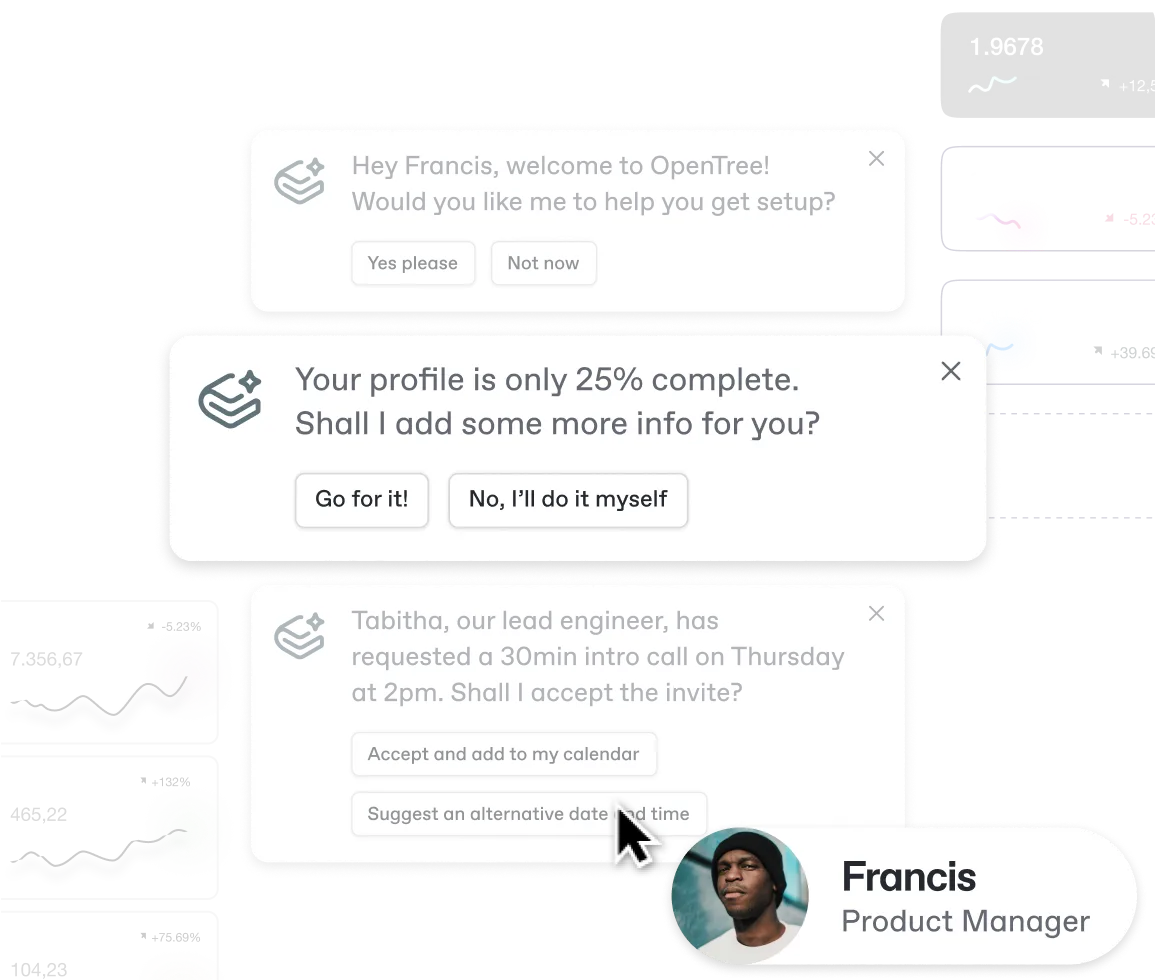
GitBook Assistant can proactively offer support and contextual suggestions right when your users need it — without switching to another tool
Connections
Connect Assistant to all your product knowledge
Give Assistant advanced training from sources your users already use, including community threads, video guides, website pages and more
Adaptive content
Personalized assistance based on each user’s context
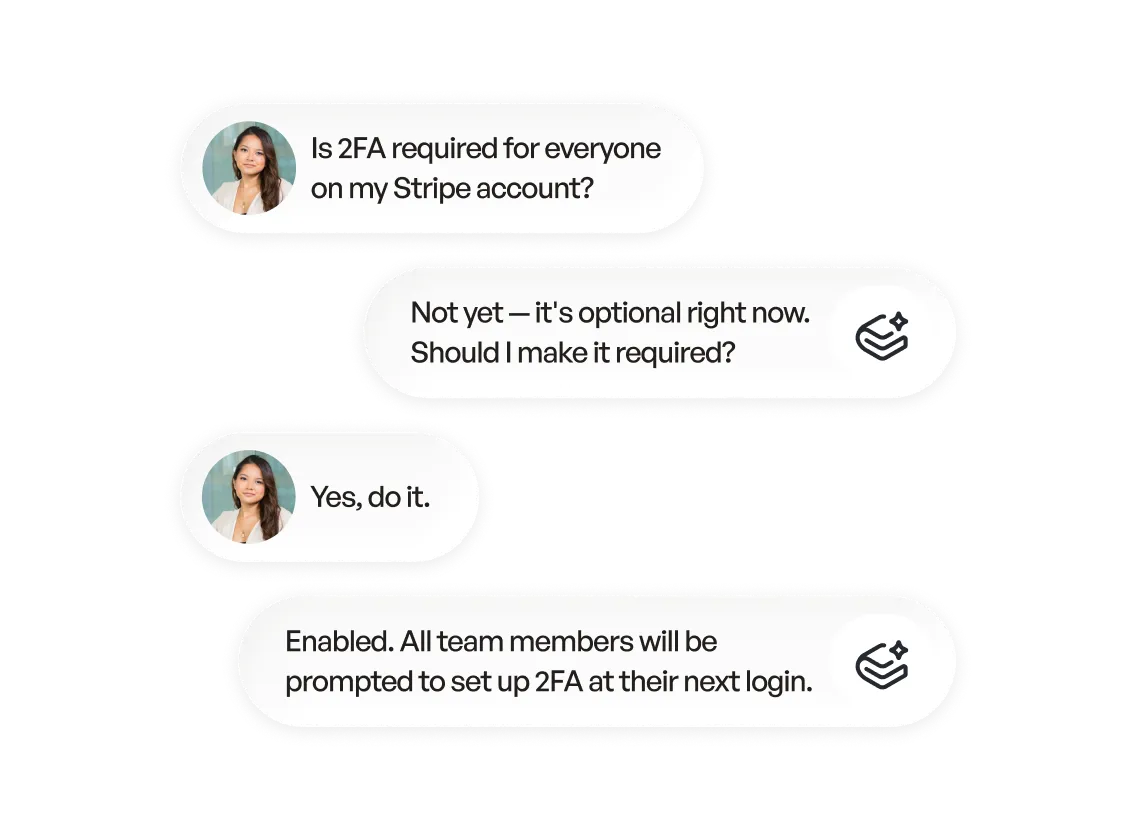
GitBook Assistant factors in the data you choose to share, so every response is grounded in your users’ unique context
FAQs
How does Assistant generate answers?
The Assistant uses agentic retrieval to understand the context of the query based on the user’s current page, previously-viewed pages, and previous conversations they’ve had.
By default, GitBook Assistant is trained on your documentation. With connections, you can expand its knowledge further — pulling in external sources like GitHub Discussions, community threads, and YouTube videos so it always has the full picture of your product. Head to our documentation to read more.
How do I connect Assistant to other tools and data sources?
Connections let you link GitBook Assistant to the external sources your users already learn from — community threads, video walkthroughs, third-party websites — so it can draw from them when answering questions.
You can choose exactly which sources Assistant uses, and add or remove them at any time from your site’s settings page in the GitBook app.
You can connect Assistant to external sources using connections. Assistant can answer questions using sources your users already learn from — including community threads, video guides and website pages.
You can add or remove sources to Assistant at any time from your site’s settings page in the GitBook app.
You can also connect Assistant to third-party MCP servers. Doing this gives Assistant more context and data when answering questions, but can also push requests to those services. So Assistant can do things like open support tickets, create bug reports or even change settings within your product.
Head to our docs to find out more about connectors and MCP servers.
How can I set up Assistant so it offers personalized answers for each user?
Assistant personalization is managed using adaptive content. It lets you pass information from your product and other sources into GitBook to build a user profile for each visitor. You choose what information to pass to GitBook, so the level of personalization is entirely up to you.
Assistant can use this information to understand things like a user’s name, plan, permissions, recent product actions, and more. It uses this extra context in its responses to give contextual, personalized answers.
To find out more about how adaptive content works, head to our docs.