Gitbook AGENT

An AI collaborator that proactively keeps documentation updated

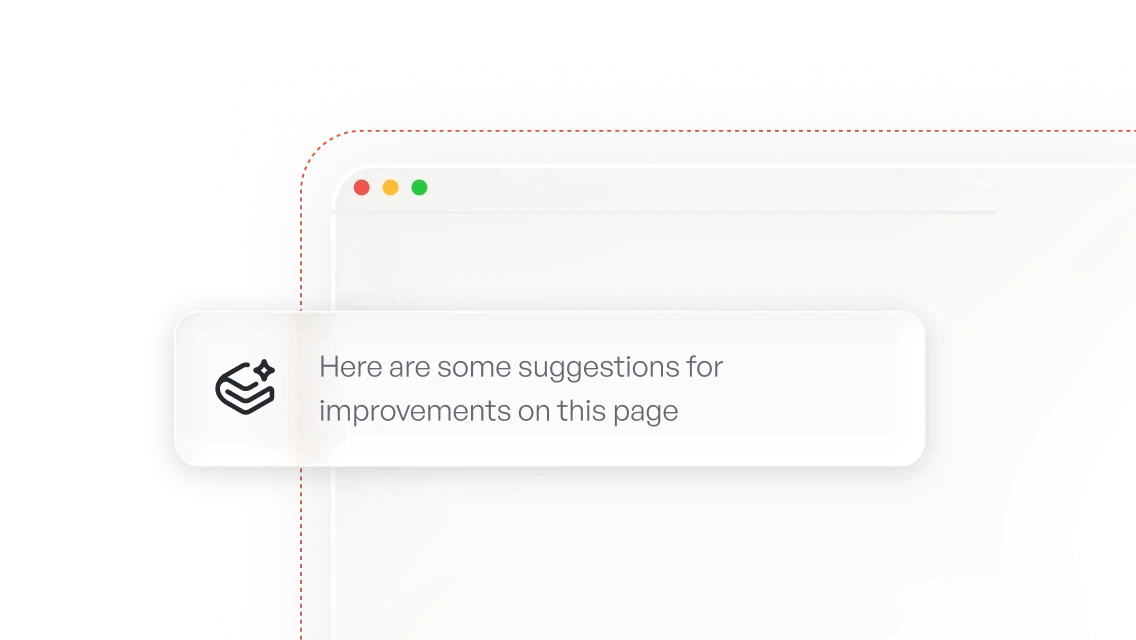
GitBook’s AI documentation agent identifies missing or outdated content, drafts improvements, and helps your team keep product knowledge aligned with real user needs — without adding extra steps to your workflow
Tools

Meet your proactive AI documentation partner

GitBook Agent works alongside your team, supporting existing workflows and making ongoing maintenance easier

Denise McGettigan
Phocas logo

“I’ve only been using GitBook Agent for a few days, and it already feels essential. It fixes typos and broken links, helps undo mistakes, keeps terminology consistent, and rewrites content for clarity. It’s like having an extra teammate who’s always ready to help.”

Denise McGettigan

,

Product Enablement Lead

Phocas Software

Denise McGettigan
Phocas logo

“I’ve only been using GitBook Agent for a few days, and it already feels essential. It fixes typos and broken links, helps undo mistakes, keeps terminology consistent, and rewrites content for clarity. It’s like having an extra teammate who’s always ready to help.”

Denise McGettigan

,

Product Enablement Lead

Phocas Software

FEATURES

A documentation engine
built for continuous improvement

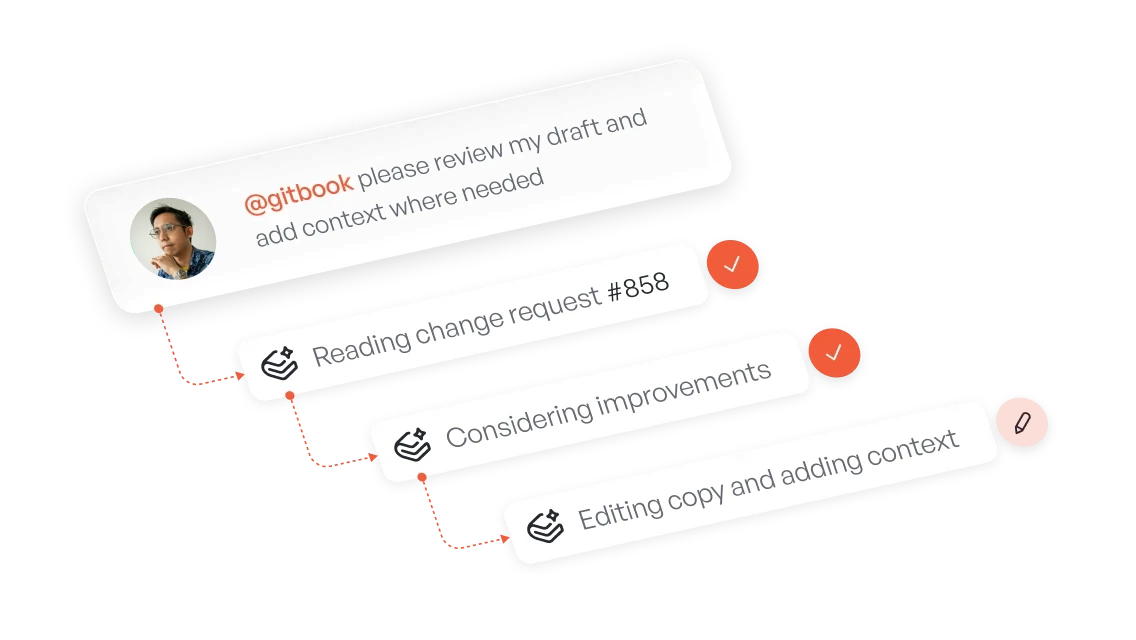
GitBook Agent learns from your product and your users so your documentation stays current, useful, and dependable
“We can use our documentation for prospects, not just customers. Finding a certain page in Google is just way easier with GitBook.”

Roman Musatkin

,

Head of Product & Design

Swarmia

“We can use our documentation for prospects, not just customers. Finding a certain page in Google is just way easier with GitBook.”

Roman Musatkin

,

Head of Product & Design

Swarmia

Features

Keep the knowledge behind every AI answer accurate

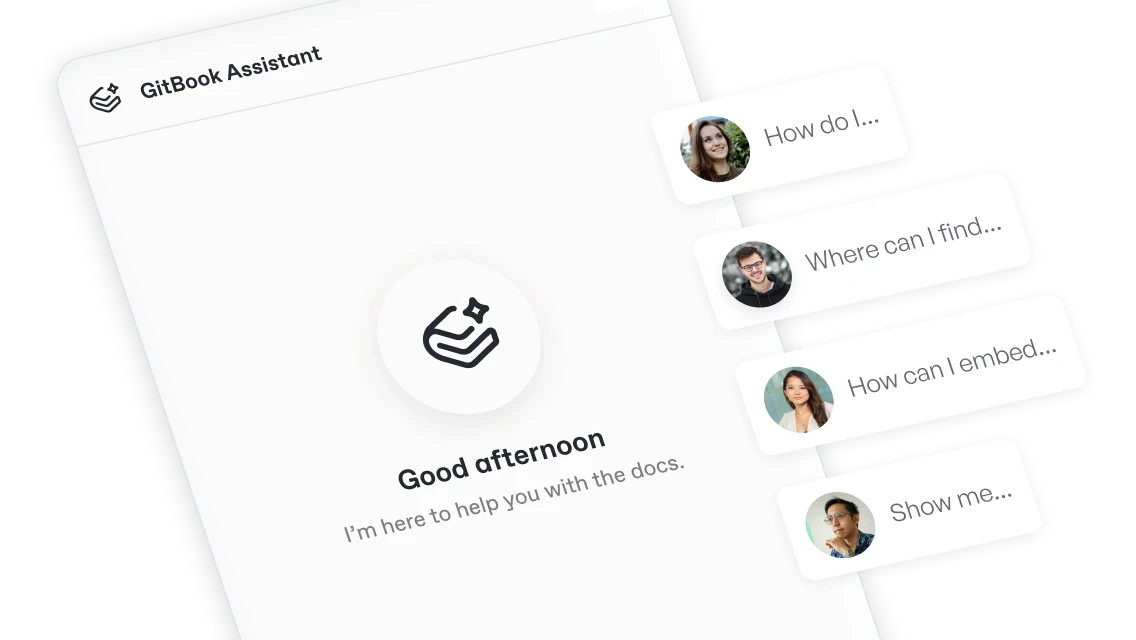
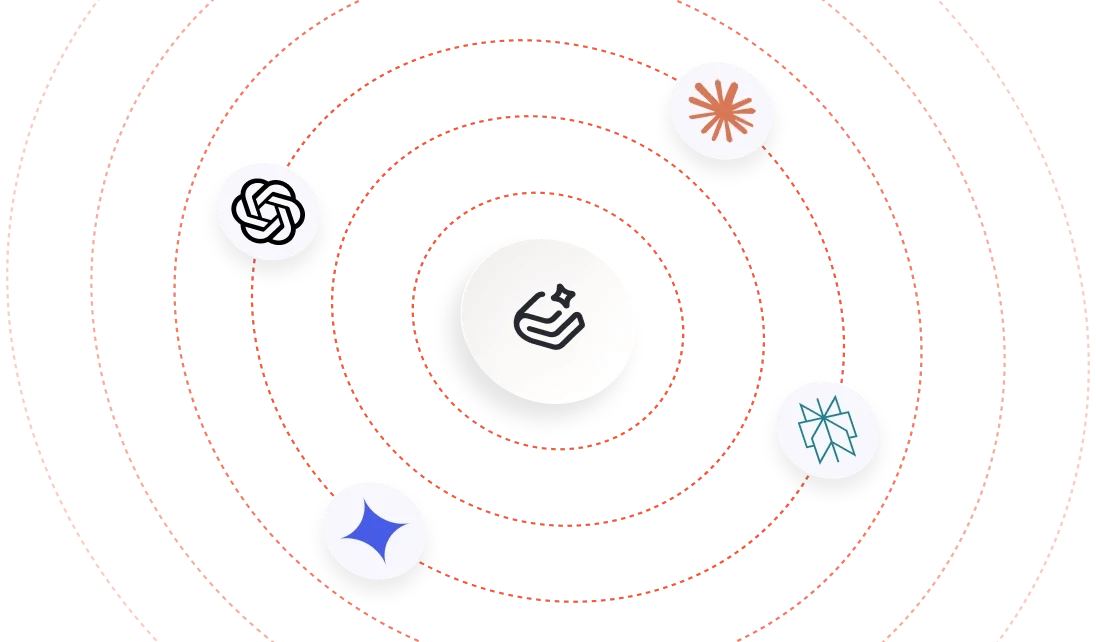
AI assistants, coding agents, and search tools already rely on your documentation to understand your product. GitBook Agent helps keep that source knowledge accurate, so users and agents are less likely to receive outdated or incomplete answers.
“If we create good documentation with GitBook, and customers can use it effectively, they won’t need to call support. And that’s a massive time and cost saving.”

Catherine Carney

,

Senior Manager of Product Operations

Immuta

“If we create good documentation with GitBook, and customers can use it effectively, they won’t need to call support. And that’s a massive time and cost saving.”

Catherine Carney

,

Senior Manager of Product Operations

Immuta

FAQs

What is an AI documentation agent?

An AI documentation agent helps teams create and maintain documentation by identifying missing, outdated, or unclear information and suggesting improvements. GitBook Agent goes further by using real product and user signals to propose targeted changes within your existing review workflow.

How does GitBook Agent keep documentation up to date?

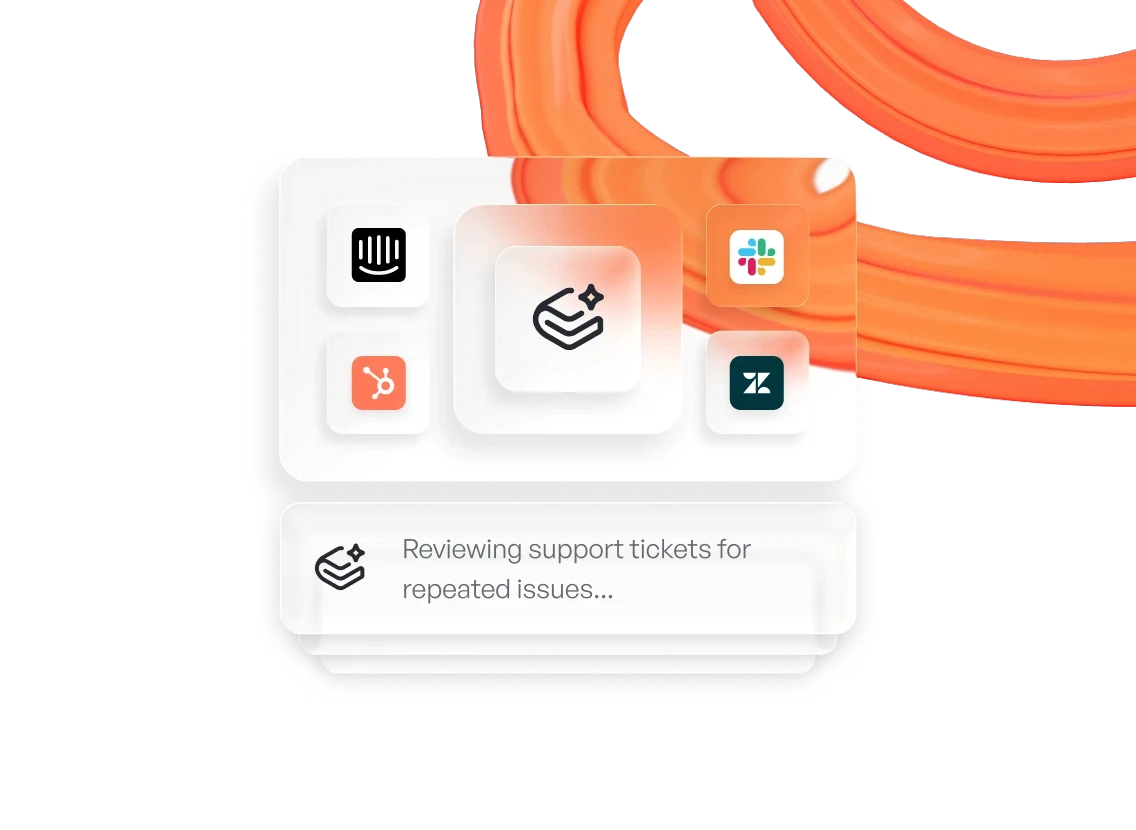
GitBook Agent analyzes sources such as support conversations, GitHub Issues, Slack, and Linear. When it identifies recurring questions or outdated information, it can draft a documentation change for your team to review and publish.

Does GitBook Agent publish changes automatically?

No — GitBook Agent works within GitBook’s collaborative publishing workflow rather than replacing it. It can draft and implement changes, but technical writers, engineers, and support teams can refine, review, and approve them before they’re published.

Can GitBook Agent follow our style guide?

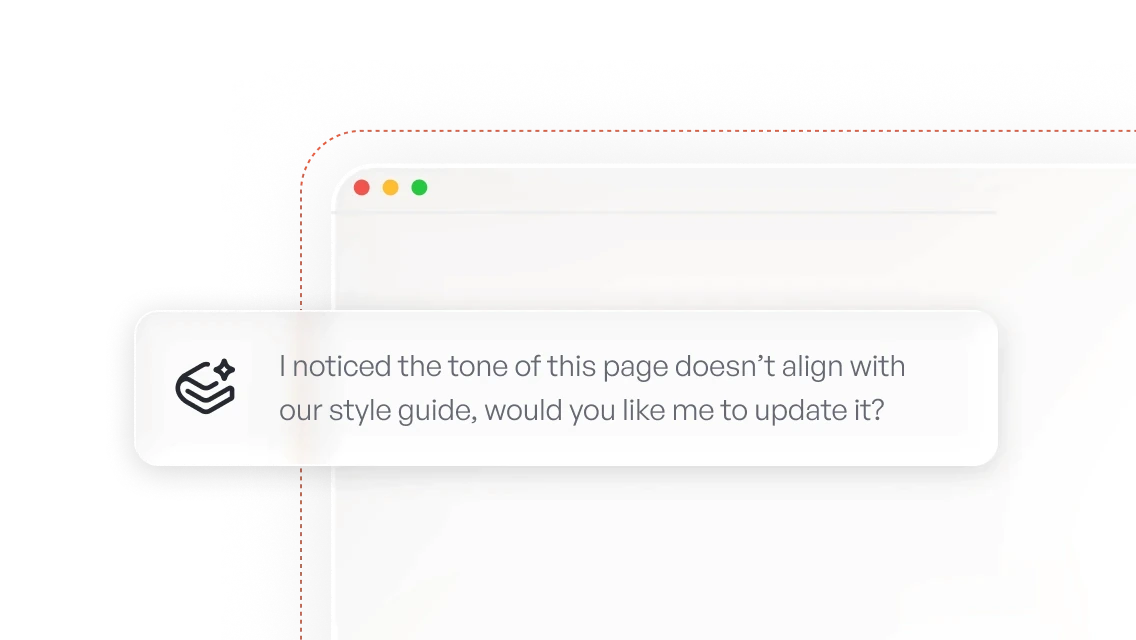
Yes. You can set up a style guide in GitBook for an individual docs site or all your published sites. GitBook Agent uses this style guide, along with the context of your documentation and surrounding pages, when writing or reviewing content.

With a style guide enabled, the Agent can identify when specific rules are being violated and fix them automatically, or flag them for you to review.

How does GitBook Agent improve AI answers?

Yes, because AI systems depend on accurate source knowledge. By helping your team identify and correct missing or outdated documentation, GitBook Agent improves the information available to GitBook Assistant and other AI tools that access your content.

How is GitBook Agent different from an AI documentation writer?

A typical AI writer generates content from a prompt. GitBook Agent offers this option, but it also works continuously alongside your team: it can use support and product signals to identify what needs updating, draft targeted changes, review content for accuracy and structure, and check it against your style guide.

Can GitBook Agent work from tools like Slack, GitHub, and Linear?

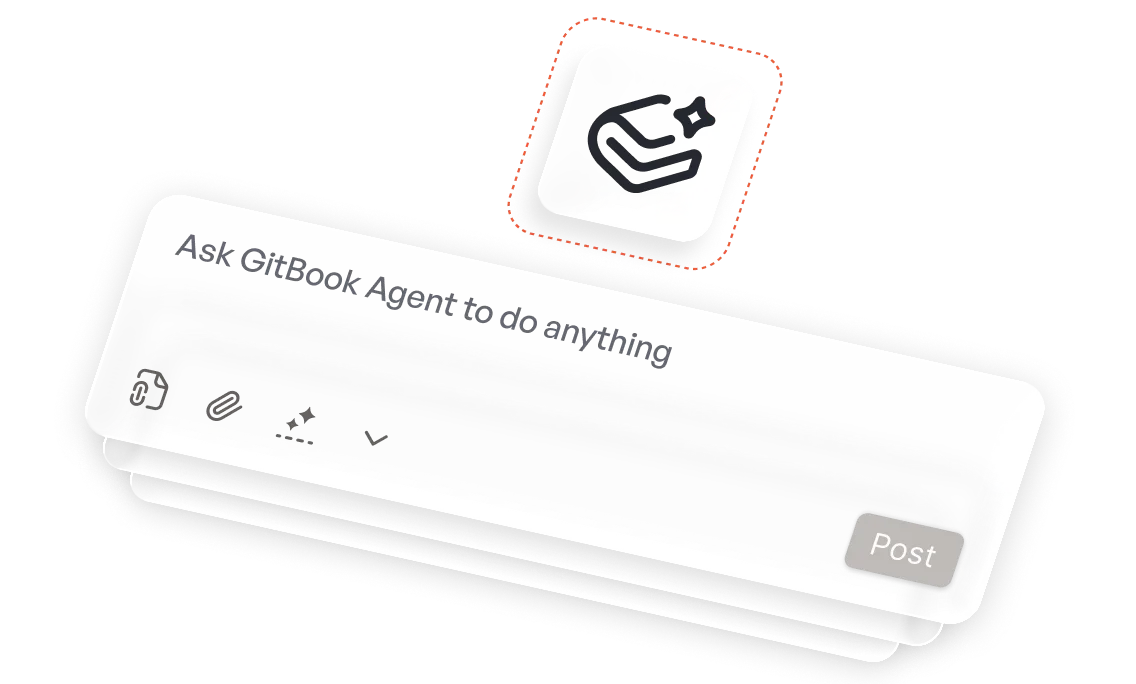
Yes. GitBook Agent can work through connected channels including GitHub, Linear, and Slack. Teams can use those workflows to ask questions, surface context, and turn conversations or issues into proposed documentation changes.

Accurate docs. Better answers.

Your docs are already feeding AI. Are users getting the right answers or the wrong ones?

Accurate docs. Better answers.

Your docs are already feeding AI. Are users getting the right answers or the wrong ones?

Accurate docs. Better answers.

Your docs are already feeding AI. Are users getting the right answers or the wrong ones?

Accurate docs. Better answers.

Your docs are already feeding AI. Are users getting the right answers or the wrong ones?

Enterprise

Intelligent documentation that’s built to scale


FreedomPay thumbnail
FreedomPay logo - white
FreedomPay

How FreedomPay is rebuilding its integration experience with GitBook

The State of Docs Report 2026

State of Docs brings together insights from documentation experts from across the industry

FreedomPay thumbnail
FreedomPay logo - white
FreedomPay

How FreedomPay is rebuilding its integration experience with GitBook

The State of Docs Report 2026

State of Docs brings together insights from documentation experts from across the industry

FreedomPay thumbnail
FreedomPay logo - white
FreedomPay

How FreedomPay is rebuilding its integration experience with GitBook

The State of Docs Report 2026

State of Docs brings together insights from documentation experts from across the industry