Integration

Mixpanel
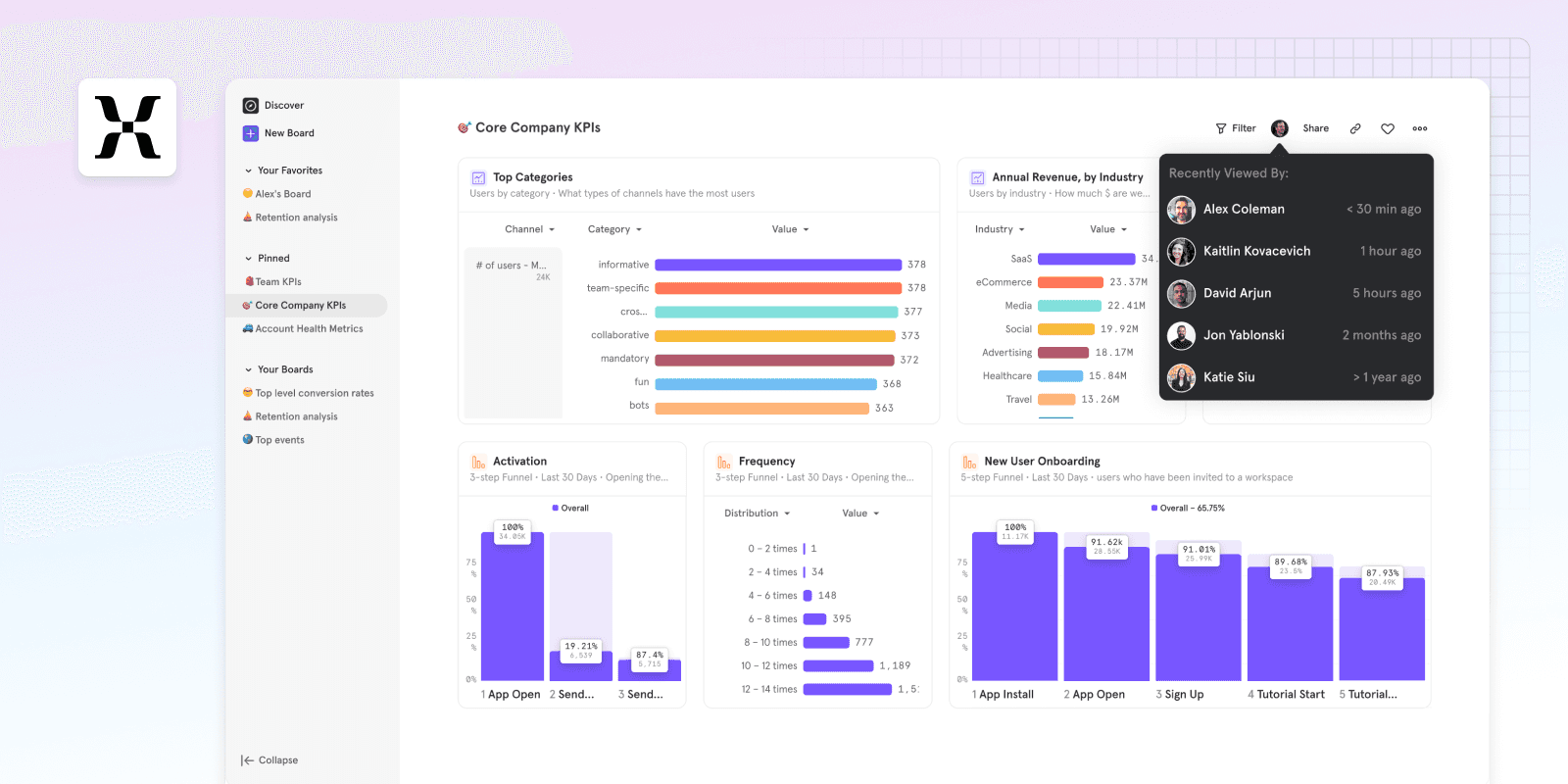
Receive GitBook traffic insights directly in your Mixpanel dashboard.
Overview
This integration allows to add the Mixpanel tracker on your published GitBook site.
How it works
The integration injects the Mixpanel script on your page, using the configured project token, so that you can get analytics information from your GitBook site directly inside of Mixpanel.
Configure
Install the integration on the GitBook space of your choice.
Locate the Mixpanel Project Token you want to use, which is available in Mixpanel's Project Settings section.


“We can use our documentation for prospects, not just customers. Finding a certain page in Google is just way easier with GitBook.”
Roman Musatkin
,
Head of Product & Design
Swarmia
“We can use our documentation for prospects, not just customers. Finding a certain page in Google is just way easier with GitBook.”
Roman Musatkin
,
Head of Product & Design
Swarmia
“We can use our documentation for prospects, not just customers. Finding a certain page in Google is just way easier with GitBook.”
Roman Musatkin
,
Head of Product & Design
Swarmia
Accurate docs. Better answers.
Your docs are already feeding AI. Are users getting the right answers or the wrong ones?
Accurate docs. Better answers.
Your docs are already feeding AI. Are users getting the right answers or the wrong ones?
Accurate docs. Better answers.
Your docs are already feeding AI. Are users getting the right answers or the wrong ones?
Product
Create & Publish
Solutions
Resources

© 2026 Copyright GitBook INC.
440 N Barranca Ave #7171, Covina, CA 91723, USA. EIN: 320502699
Get an AI summary




The State of Docs Report 2026
State of Docs brings together insights from documentation experts from across the industry

Product
Create & Publish
Solutions
Resources
© 2026 Copyright GitBook INC.
440 N Barranca Ave #7171, Covina, CA 91723, USA. EIN: 320502699
Get an AI summary
The State of Docs Report 2026
State of Docs brings together insights from documentation experts from across the industry
Product
Create & Publish
Solutions
Resources
© 2026 Copyright GitBook INC.
440 N Barranca Ave #7171, Covina, CA 91723, USA. EIN: 320502699
Get an AI summary
The State of Docs Report 2026
State of Docs brings together insights from documentation experts from across the industry